Before You Download
Two small checks make this install smooth. First, keep a little free storage spare: the game is a light Web to APK edition, but Android still wants breathing room while it installs. Second, decide how you will play your first session. Solo mode against the computer is the right opening bout, because you pick both fighters and can learn the arena without a friend waiting on you.
The game plays in landscape, so a phone you can hold sideways comfortably is the ideal ring. Headphones are optional but recommended: the announcer, the meme sound bites and the crowd are half the comedy.
Installing After the Download
When the countdown ends and the button appears, tap it and let the file come down. Open the finished file, allow installs from your browser when Android asks, and confirm. The icon joins your app drawer; open it, rotate to landscape, read the short satire notice, and you are at the title screen.
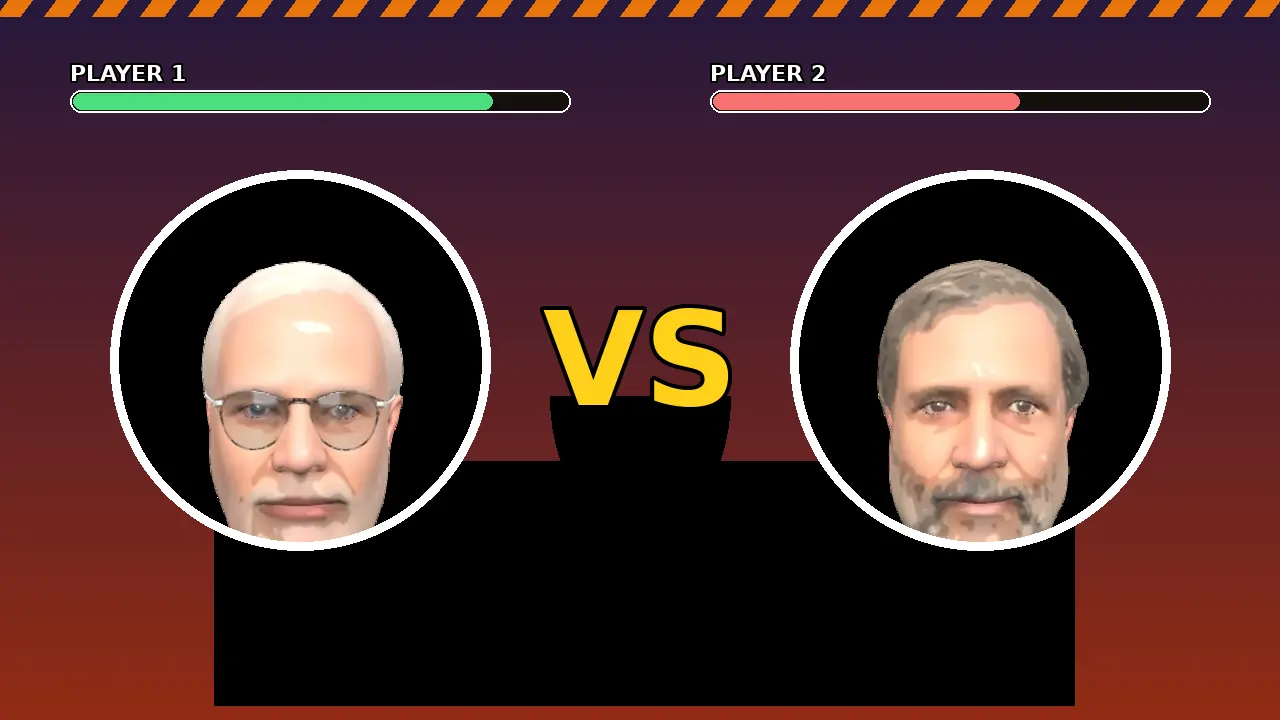
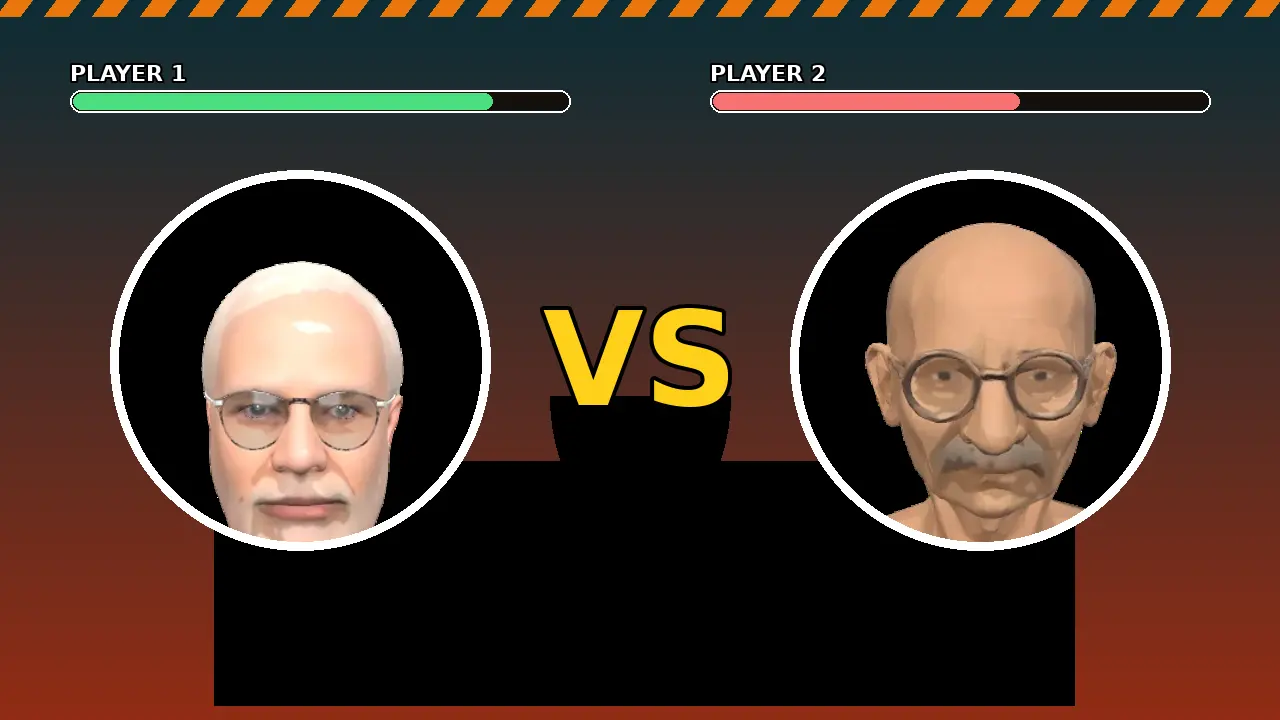
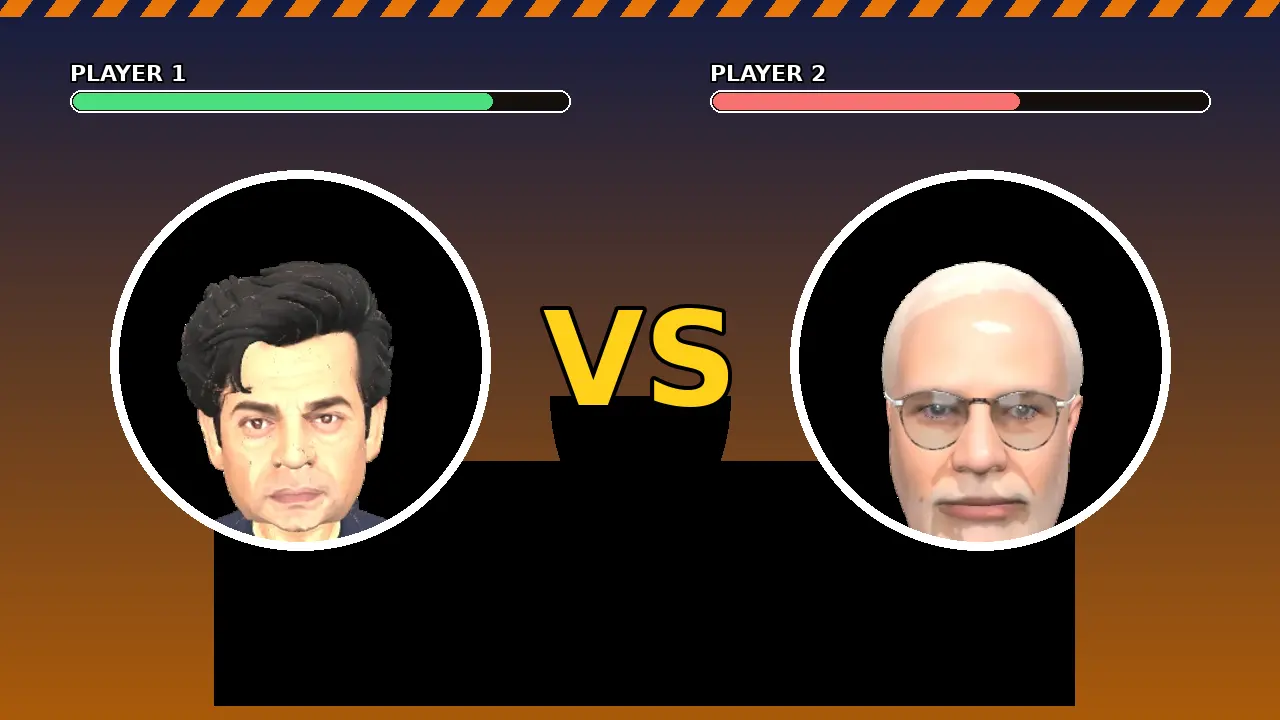
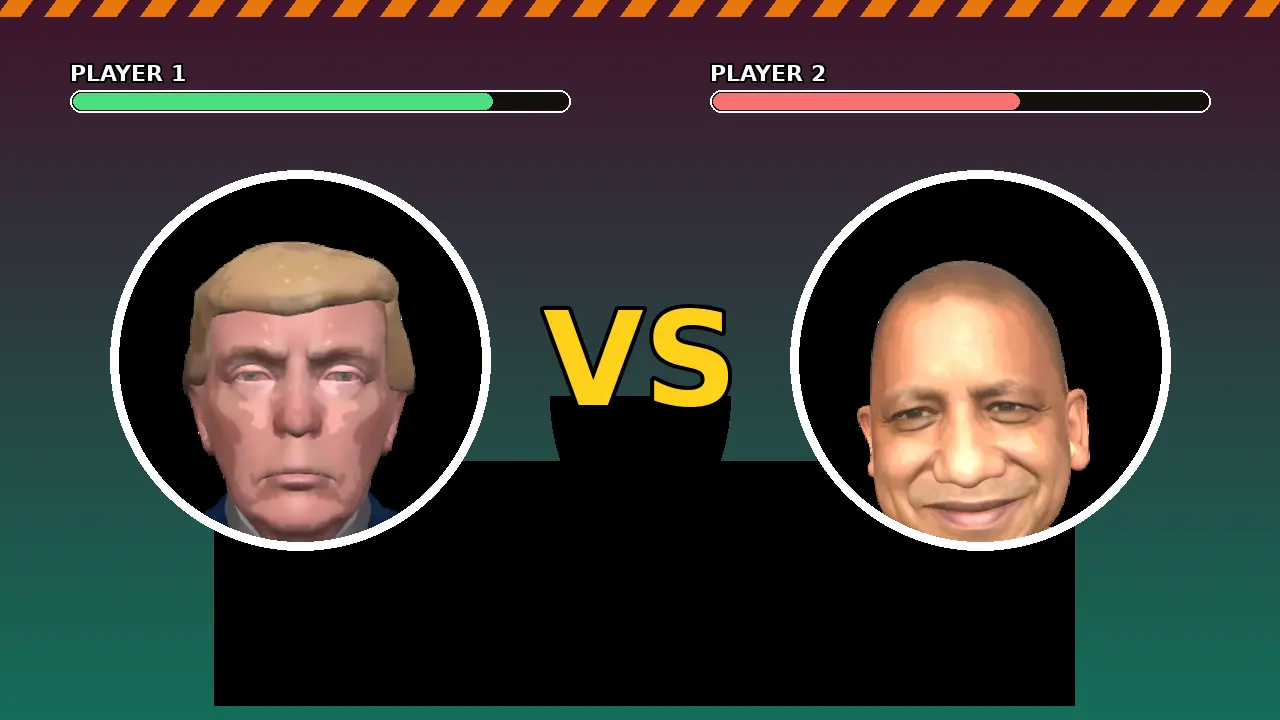
From there the flow is pure arcade: tap to start, choose solo or Play with a Friend, select your neta on the roster screen, and press Fight. Your first Shakti special is one full meter away.
Why Download From Here
This page is the home of the Web to APK edition of the FightKaro game. Every build we publish is installed and played on our own Android phones first: install flow, select screen, a live solo bout, a friend room connection and the boss fight all get checked before the button goes live, following the same routine described on our review page.