Guide
How to Install Sansad Showdown on Android, Step by Step
The calm way to install the Sansad Showdown APK: fetch the file, allow the install, rotate to landscape and reach your first bout in minutes.

CONTENTS On this page
Installing the game takes about as long as one good bout. Start with the file from Sansad Showdown APK, so the copy on your phone is the Web to APK edition we tested, then follow the steps below in order. Nothing here needs a computer, an account or any setup beyond the install prompt Android shows for every app fetched outside a store.
Get the file onto your phone
Open the download page and wait for the short countdown to finish. When the button appears, tap it and let the file come down completely before you touch it. A half finished download is the single most common reason an install refuses to start, so check your downloads list shows the finished file, not a progress bar.
If you would rather start on a bigger screen, you can fetch the file on a computer and copy it across with a cable. The install itself still happens on the phone, exactly as described next.
Allow the install and confirm
Tap the finished file. Android will ask whether your browser may install apps; allow it for this file and tap install. That prompt appears for every APK fetched outside a store, and it is Android doing its job, not a warning about this particular game.
The install finishes in seconds. The Sansad Showdown icon lands in your app drawer, wearing the versus art from the title screen. If the install is refused, fetch the file again on a steady connection and repeat: a complete file almost always goes through. The file itself waits on the Sansad Showdown download page whenever you are ready.
First launch: rotate and read the notice
Open the game and rotate your phone when it asks. Sansad Showdown is a landscape arena fighter, and the title screen waits for a wide screen before it lets you tap through. A short notice explains the game is satire and parody; read it, tap continue, and you are at the main screen.
Pick solo play for your first session. Against the computer you choose both fighters, which turns the first bout into a free practice round. Our notes on the Sansad Showdown controls will get your thumbs in the right places before the bell.
Your first bout, done right
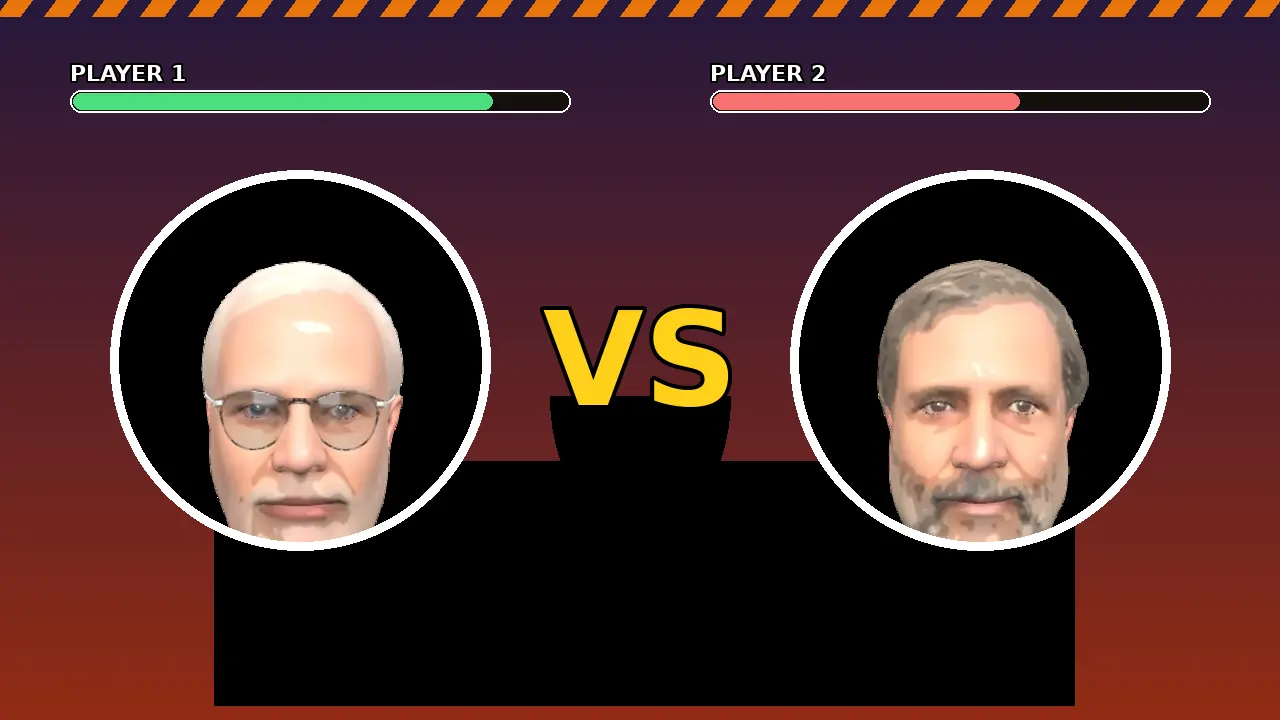
Choose Mitraman against Yatra Boy for the classic opening card, or pick whoever made you download the game. Land a few punches and kicks, try the grab, and watch the Shakti meter under your health bar fill as the round goes on.
When the meter is full, tap the special button and enjoy your first Shakti. After the bout, the fake newspaper reports the result in full tabloid style. Win or lose, you now know the whole loop, and the beginner guide covers what to practise next.
Quick Answers
How much storage does the install need?
Very little beyond the file itself. The game is a light Web to APK edition, so keep a modest amount of free space for the install and you are covered.
Why does Android ask to allow installs from my browser?
That prompt appears for any app installed from a downloaded file rather than a store. Allow it for this file, finish the install, and the game opens normally.
The game opens in portrait. What is wrong?
Nothing is broken. The arena is landscape only, so rotate the phone and check that rotation lock is off.
Can I install on a tablet?
Yes. The game installs and plays on Android tablets, and the bigger screen suits the arena well.