Guide
How to Update Sansad Showdown Without Losing Your Main
Updating the Sansad Showdown APK the simple way: install over your copy, what carries across, and how to spot a refreshed roster or new build on this site.

CONTENTS On this page
Updates should feel like a new bout, not a new game. Updating the Sansad Showdown game is deliberately boring: fetch the newer build, install it over your copy, and walk back into the same arena with the same main. Here is the routine and what to check afterwards.
The update, step by step
Fetch the new file from the download page, exactly as you did the first time: wait out the countdown, tap the button, let the file complete. Open it and install. Android recognises the existing game and updates it in place rather than starting a second copy.
No uninstall is needed, and uninstalling first gains nothing. If an update ever refuses, the cause is almost always an incomplete download, so fetch the file once more before suspecting anything grander. The file itself waits on the Sansad Showdown download page whenever you are ready.
What carries across
The important things are not files at all: your main, your reads, your thumb memory for the touch layout. The game itself is the same roster, arena and control scheme from build to build, so a week of Yatra Boy patience survives every update untouched.
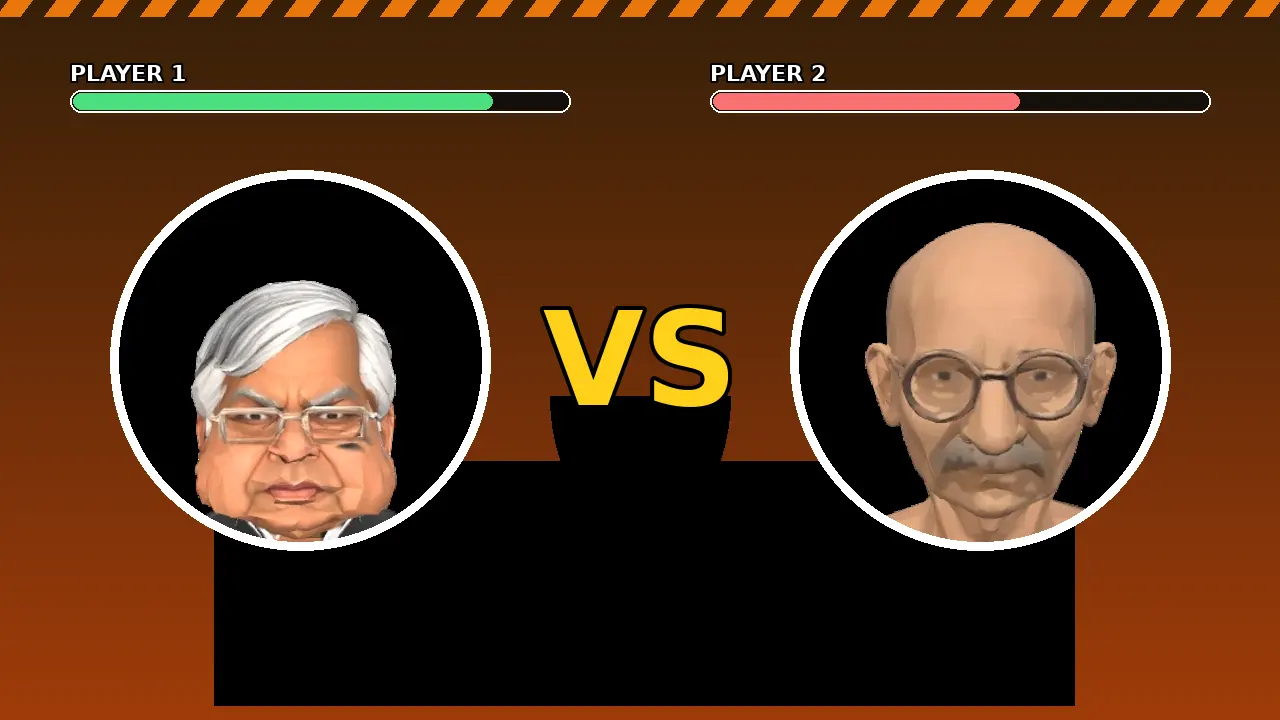
What can change is the card around you: a refreshed select screen, a roster addition, a stage dressing tweak. When a build changes anything visible, this site updates the fighter list and screenshots on the home page at the same time, so what you read is what you will play.
Spotting a refreshed build
Compare the select screen first: it is where new faces announce themselves. Then run one solo bout with your main and fire the special; animation tweaks show up there before anywhere else. Finally, test a friend room code, because multiplayer plumbing is where quiet fixes like to live.
If your group argues about whether anything changed, settle it the house way: one exhibition bout, winner narrates. The fake newspaper will print the result either way. Our characters guide is kept current with the roster as builds land.
Good update habits
Update from this site rather than from files forwarded through chats, so the build you install is the one we installed and played first. Keep the routine in one sitting: download, install, one test bout. Half finished updates are how strange half problems are born.
Then get back to the real work: there is a boss at the end of the card who has not learned any new tricks, and he is still waiting for your defence to slip.
Quick Answers
How do I update Sansad Showdown?
Download the newer build from the download page and install it over your existing copy. The game updates in place.
Do I need to uninstall before updating?
No. Installing over the top is the intended route, and uninstalling first gains nothing.
How do I know if a build changed anything?
Check the select screen for roster changes, fire your main special in a solo bout, and test a friend room. This site updates its fighter list when builds change.
Where should I get updates from?
From this site, so the build you install is the same one we tested before publishing.