Guide
Sansad Showdown on PC: Keyboard Controls and Big Screen Bouts
How Sansad Showdown plays on a PC screen: the keyboard layout, what carries over from the browser original, and setting up a comfortable big screen bout.

CONTENTS On this page
The game began in a browser, so a big screen and a keyboard feel like home turf for Sansad Showdown official site. This guide covers the PC side of the arena: the full keyboard layout, how the bouts feel at desk distance, and the comfort tweaks worth making before a long session.
The keyboard is a first class controller
Movement lives on W, A, S and D, with the arrow keys as the alternative. The fight actions sit on J, K, I and L, and the special fires on L or the Space bar once the Shakti meter is full. Nothing is buried in menus; the layout is printed in the game and learned in one round.
Players arriving from the browser original at fightkaro.com already own this muscle memory. The keys, the roster and the sixty second rounds are the same game, which is exactly the point of the edition.
Bouts at desk distance
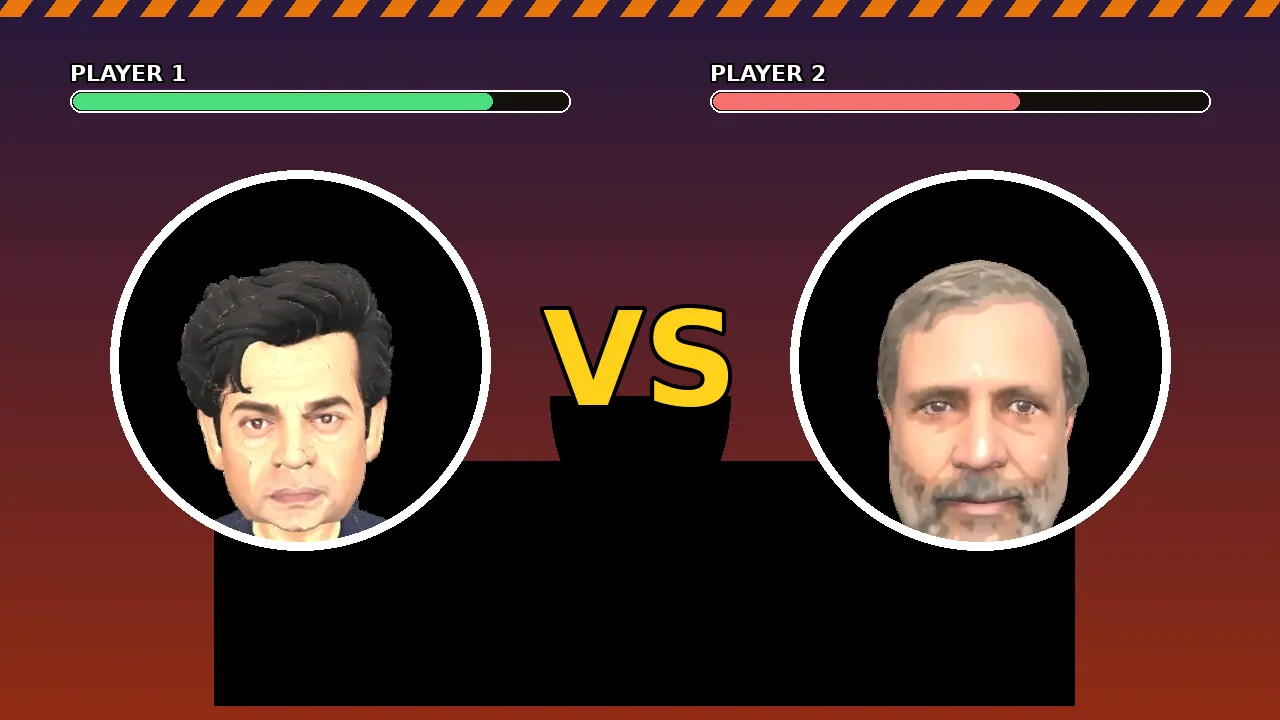
On a monitor, the satire details finally get their due: the crowd placards, the fake newspaper typography after a bout, the frog. The arena art was drawn to be read at a glance in a fast round, and at desk distance it reads like a comic panel.
Sit far enough back that both health bars sit in your peripheral vision. The Shakti bars live under them, and the whole game is learning to read those four bars without staring at any of them. The controls guide maps the same inputs for touch players.
Setting up a comfortable session
Map your evening like a card: a few solo bouts to warm up, a friend series in the middle, and the boss as the closer. Keyboard sessions invite longer sits, so stand up between cards, and let the newspaper screens be your natural breathers.
If you share the desk, a second player on the same screen is not the format here; friend play runs through room codes between two devices, as the multiplayer guide explains. The PC is your solo training room and your big screen cinema in one.
PC time, phone time
Our honest split: learn fighters at the desk, where the keyboard and the big bars make reads easy, then take the same main into phone bouts where the touch buttons and the crowd in your pocket change the rhythm.
The game is the same in both rooms. Your Yatra Boy does not care which screen taught him patience.
Quick Answers
What are the PC controls for Sansad Showdown?
Move with W A S D or the arrow keys. Fight actions are J, K, I and L, with the special on L or Space when the meter is full.
Is the PC version the same game as the APK?
Yes: same roster, arena, controls logic and modes. The APK is the Web to APK edition of the FightKaro game for Android.
Can two players share one keyboard?
Friend play uses room codes between two devices rather than a shared keyboard setup.
Does a bigger screen help?
It helps reads: health bars, Shakti meters and crowd details are easier to follow at desk distance.